

Connect WhatsApp Web
Link your WhatsApp account by scanning the QR code and securely connect your WhatsApp Web session with the CloudWebHost automation dashboard.
WhatsApp Automation from CloudWebHost makes customer communication easier with bulk messaging, automatic replies, scheduled campaigns and chatbot tools. Manage conversations efficiently, save time and improve customer engagement from one powerful platform.
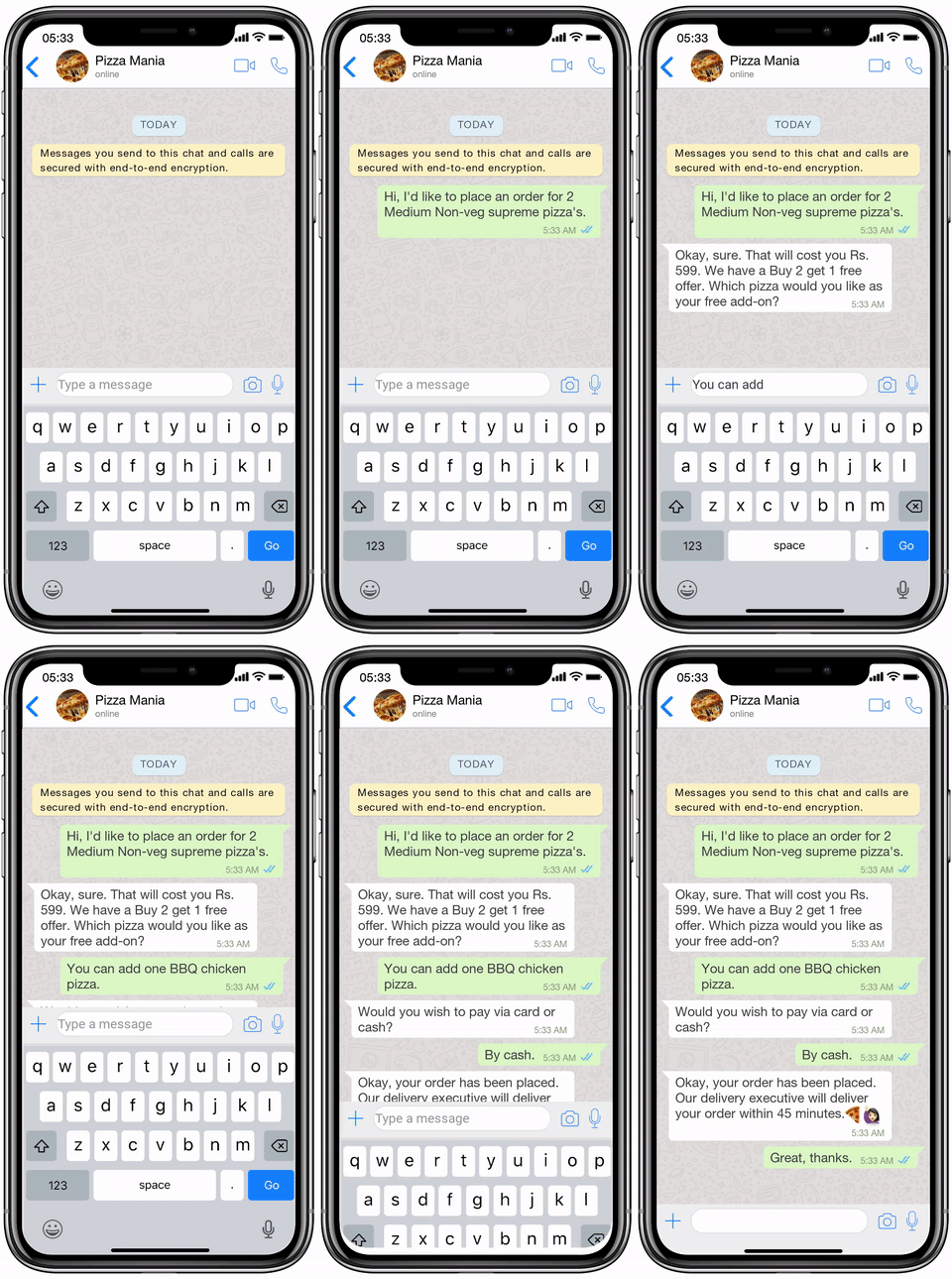

Automatically reply to customer messages 24/7 with smart auto-response tools.

Send bulk WhatsApp messages for updates, notifications and customer campaigns.
Create and reuse approved message templates for faster customer communication.

Plan and schedule WhatsApp messages in advance for timely communication.
Improve engagement with interactive buttons, quick replies and list messages.
Connect WhatsApp automation with your website, CRM or business applications through API integration.
Choose a flexible WhatsApp Automation plan for bulk messaging, auto-replies, scheduled messages and customer engagement tools.
Buy and renew at the same price
Features :
Buy and renew at the same price
Features :
Buy and renew at the same price
Features :
CloudWebHost WhatsApp Automation connects through a WhatsApp Web session, allowing businesses to manage automatic replies, scheduled messages, templates, bulk messaging and customer conversations from one convenient dashboard.
Link your WhatsApp account by scanning the QR code and securely connect your WhatsApp Web session with the CloudWebHost automation dashboard.
Create auto-replies, reusable templates, scheduled messages, buttons, lists and automation rules based on your business needs.
Send messages, manage customer replies, schedule campaigns and control your WhatsApp communication from one dashboard.
Find answers to common questions about CloudWebHost WhatsApp Web automation, messaging features and account connectivity.
The platform connects using a WhatsApp Web session. Scan the QR code with your WhatsApp account to link your session with the automation dashboard.
No. This automation platform works using WhatsApp Web session connectivity and does not require the official WhatsApp Business API for normal platform operation.
Your connected WhatsApp Web session must remain valid for automation features to operate. If the account is logged out or unlinked, you can reconnect it by scanning the QR code again.
Yes. Supported plans allow you to schedule messages in advance for customer notifications, reminders, updates and other communication workflows.
Yes. Bulk messaging features are available according to the message limits included with your selected CloudWebHost plan. Use messaging responsibly and communicate with customers who expect or have agreed to receive your messages.
Yes. You can configure automatic replies to respond to common customer messages and help manage conversations when your team is unavailable.
Supported integrations can connect your website, CRM or business application with CloudWebHost WhatsApp Automation through the available API and automation features included with your plan.
Send messages, automate replies and manage customer communication with plans starting from ₹99/month.
Copyright © 2026 Cloud Web Hosting . All rights reserved.